Audio Object
A four-track looper and recorder built in a faceted design style. Six-sided object; rotate to switch faces; almost no buttons.
The object
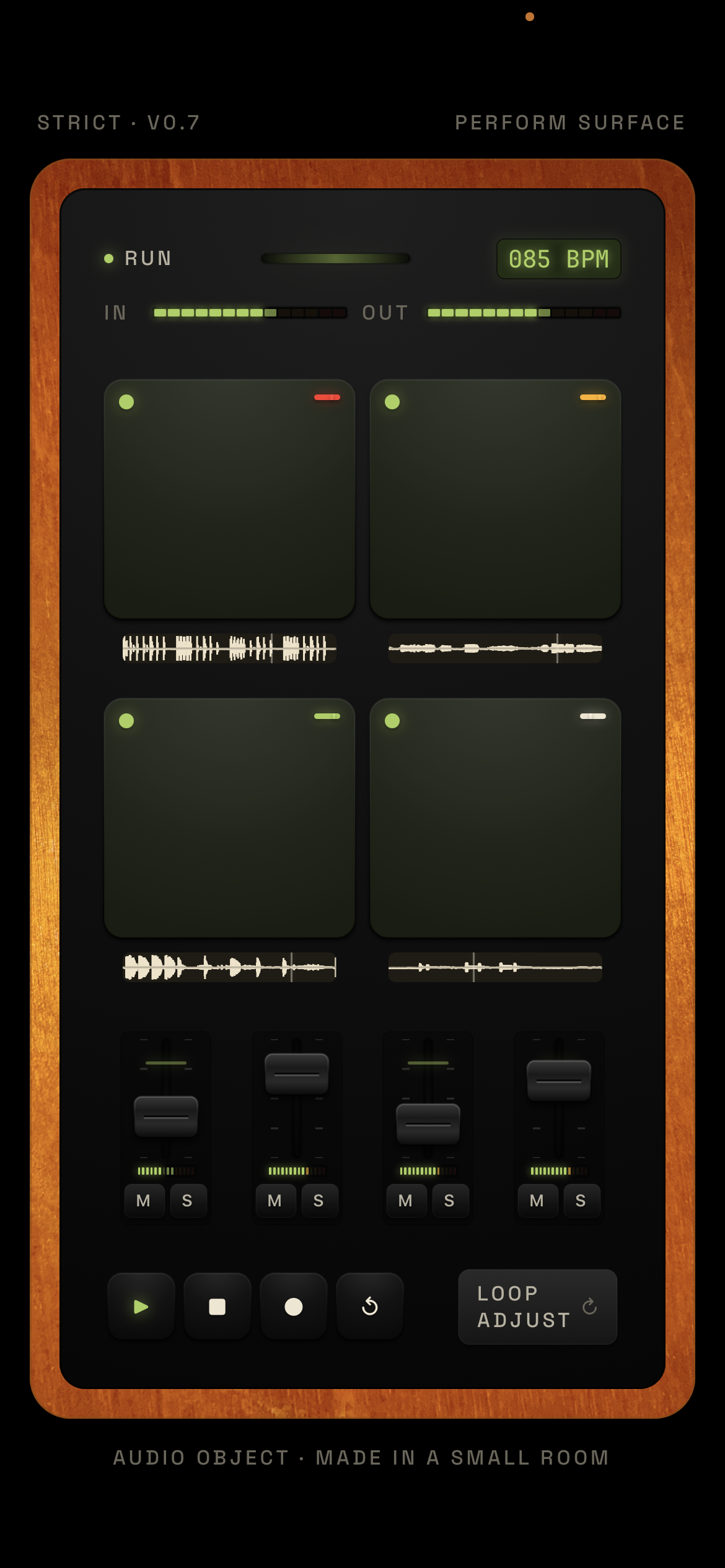
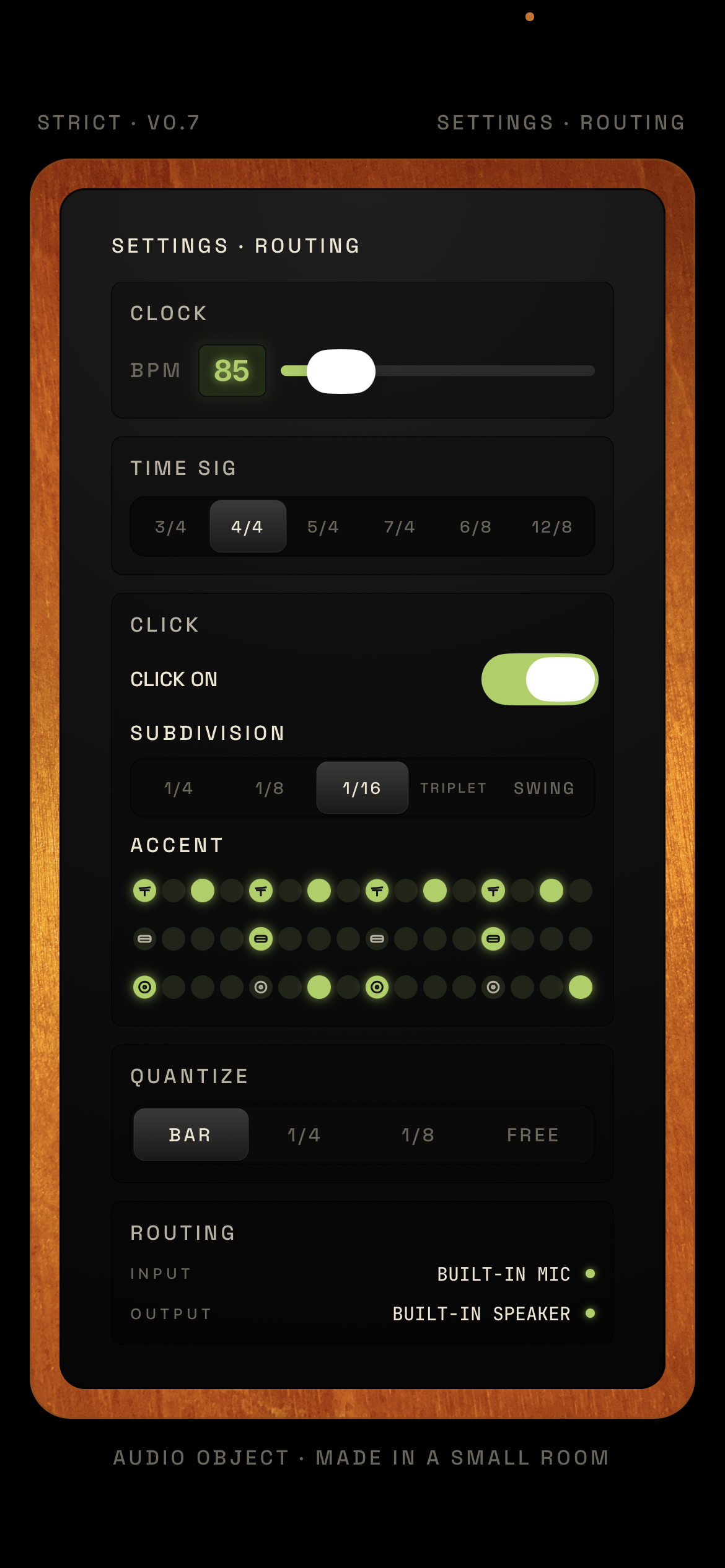
SIX FACES · ROTATE, DON'T TAPBuilt-in metronome doubles as a drum machine; a wired mic captures each part in place — drums, bass, guitar, vocals — no re-patching between takes.
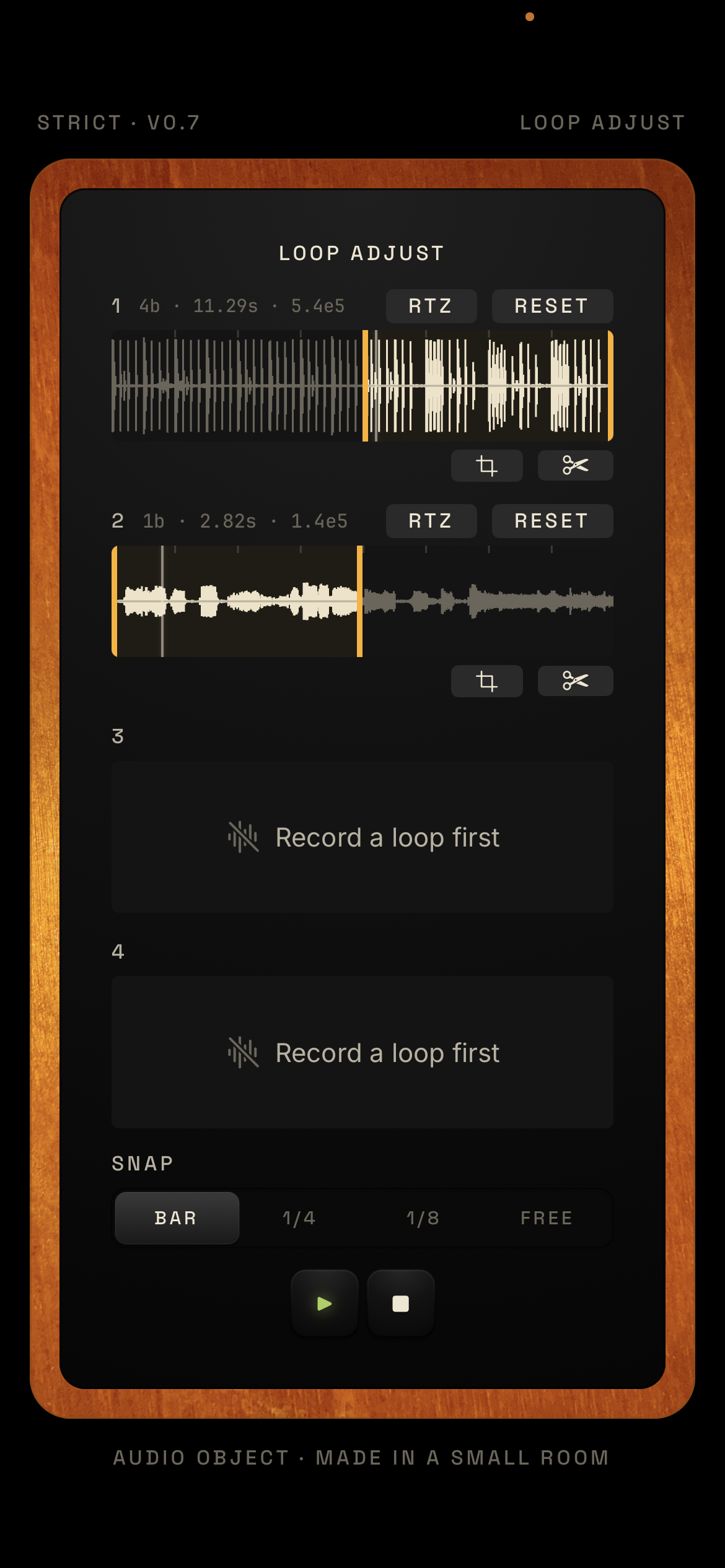
Rearrange beats, songs, or whole tracks live: solo and mute parts, change any loop length, cycle around sections of every track, and record the performance as it happens.
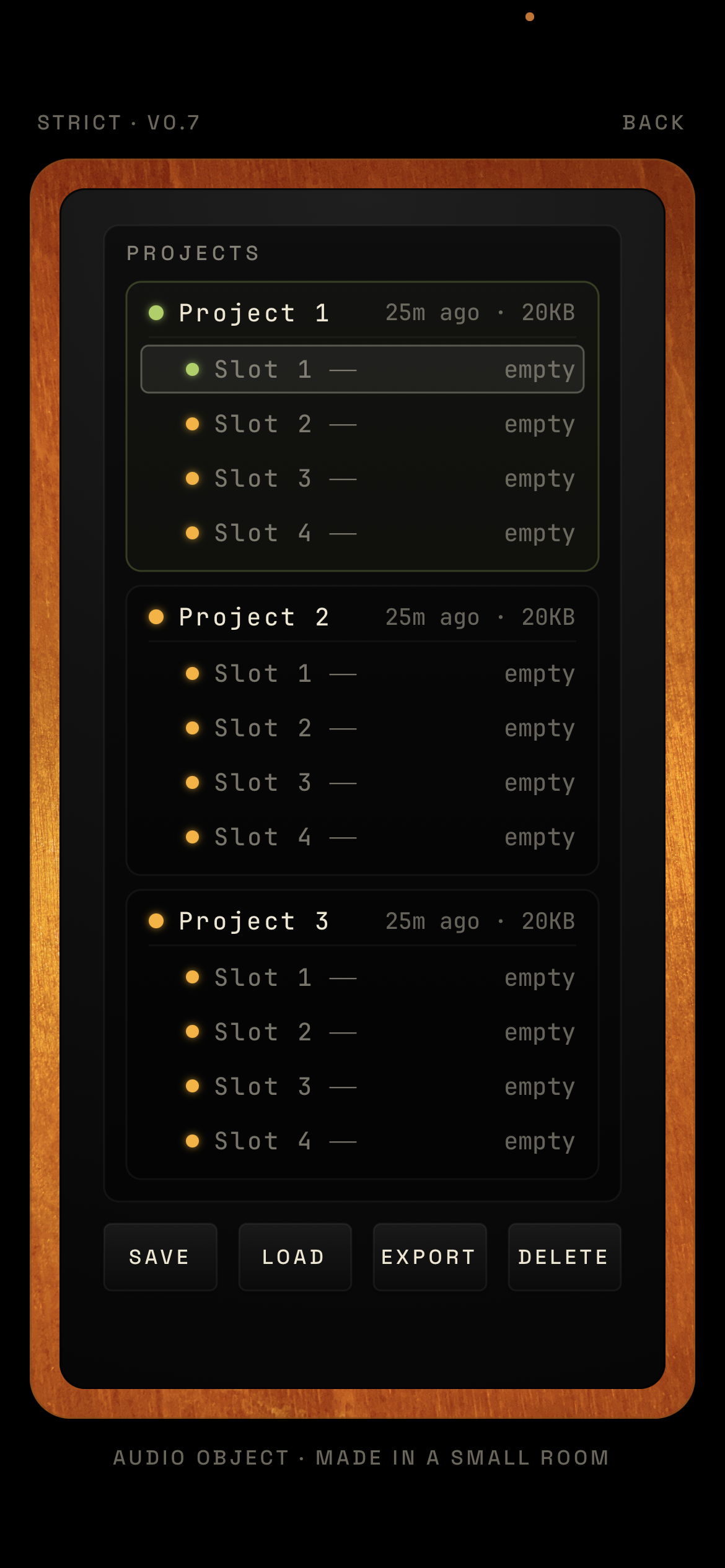
Stream audio directly into Ableton or any DAW; send MIDI clock out to sync; export every file plus the click track as audio for import elsewhere.
Audio Object lets you go from idea to demo recording very quickly. Use the built-in metronome as a drum machine, record some music off YouTube, and there is a usable beat, one you can chop live by adjusting the loop lengths. Or put on wired headphones with a microphone, sit down at the drum kit and record the drum part, walk over to the bass and record a bass part, walk over to the guitar and record a guitar part, then record a vocal into the microphone — all without going to a mixer or moving microphones around.
It is an incredibly simple, easy way to get the parts of a song together.
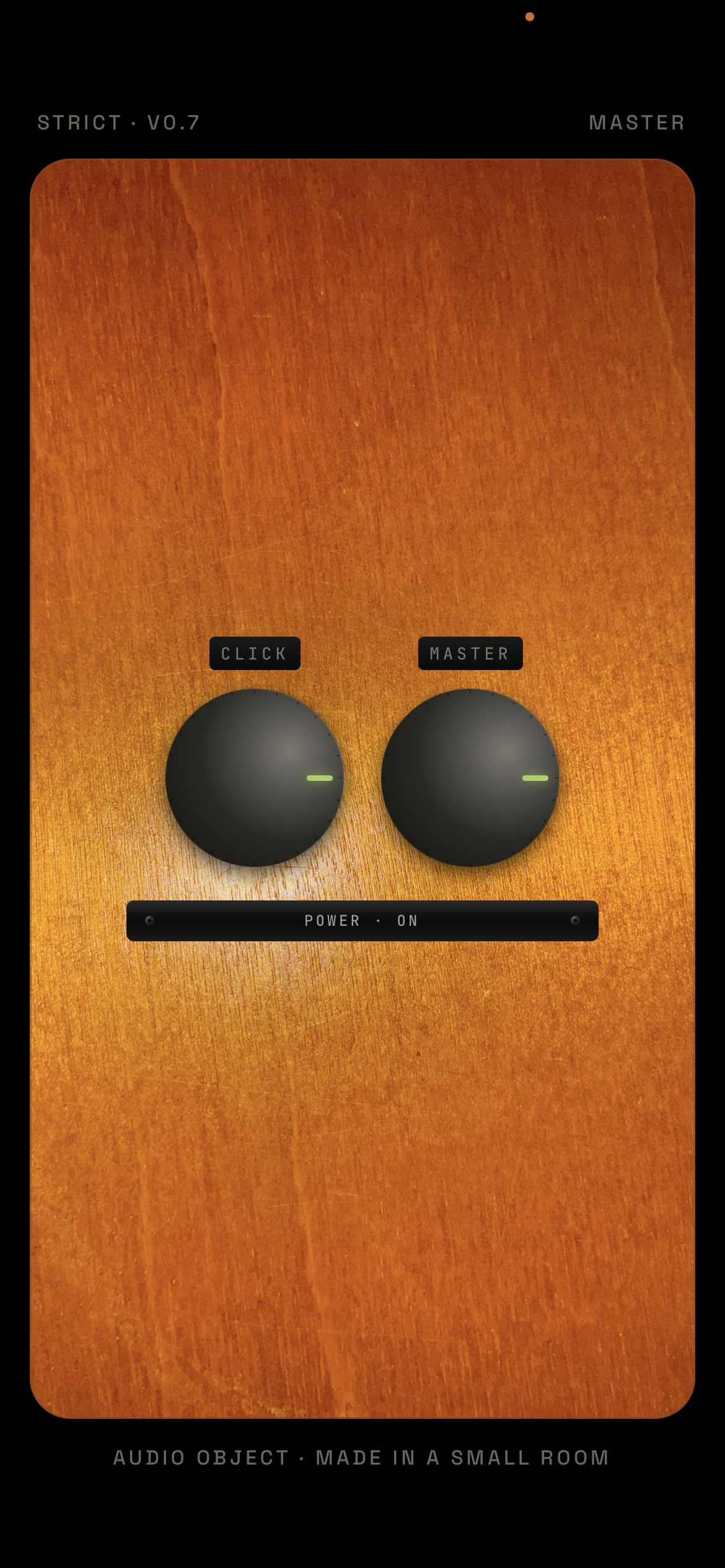
You can also make experimental music with it. Rearrange beats, songs, or whole tracks in real time — soloing and muting parts, changing the loop length of every part, looping around different sections of each track — and do it all live and record it as you go.
It can output an audio stream directly to Ableton or any DAW, send MIDI clock out to control Ableton or any other DAW, and export all of its files — plus an audio version of the click track — to be imported into any DAW.
It is built in a faceted design style, modeled as a rectangular solid — a six-sided object where each screen is one face. There are almost no buttons: aside from a few sensible shortcuts, you get around by rotating the object until the face you want comes around, instead of tapping through menus or hitting a back button.
You only ever look at one face at a time, and the faces are arranged by which tools you use together, so the ones you move between sit right next to each other. It is also made to feel like a real object instead of a screen — wood, knobs you have to turn.